


I looked at my infrastructure bill yesterday and almost laughed.
Actually, I didn’t laugh. I groaned. It’s January 2026, and I am still paying monthly fees for a managed vector database that holds—wait for it—less than 20,000 vectors. For a side project.
It feels like we’ve been collectively brainwashed. Somewhere around 2023, the industry decided that “Semantic Search” meant “Cloud Infrastructure.” You want to find related documents? Great. Send your text to an API, get back a massive embedding, send that embedding to another API, wait for the nearest neighbor calculation, and finally get your result.
The latency is noticeable. The cost adds up. And frankly, for 90% of use cases, it’s architectural overkill.
I’m done with it. I’ve been experimenting with moving the entire search stack to the browser—specifically using C compiled to WebAssembly (WASM)—and the results aren’t just “good enough.” They’re embarrassing for my cloud provider.
The “Big Data” Lie
Here’s the thing about vector search: it’s just math. Specifically, it’s mostly dot products and cosine similarity calculations. Computers are really, really good at math.
We assume we need a distributed cluster to handle this because we hear about companies searching billions of vectors. If you are Google or Spotify, sure. You need the cloud. You need sharding. You need HNSW indexes optimized for massive scale.
But my documentation site? My e-commerce store with 5,000 SKUs? My personal blog?
That entire dataset fits in the L3 cache of a modern CPU. It definitely fits in the RAM of a cheap Android phone. Moving that data across the internet for every single keystroke is inefficient. It’s wasteful.
Going Bare Metal in the Browser
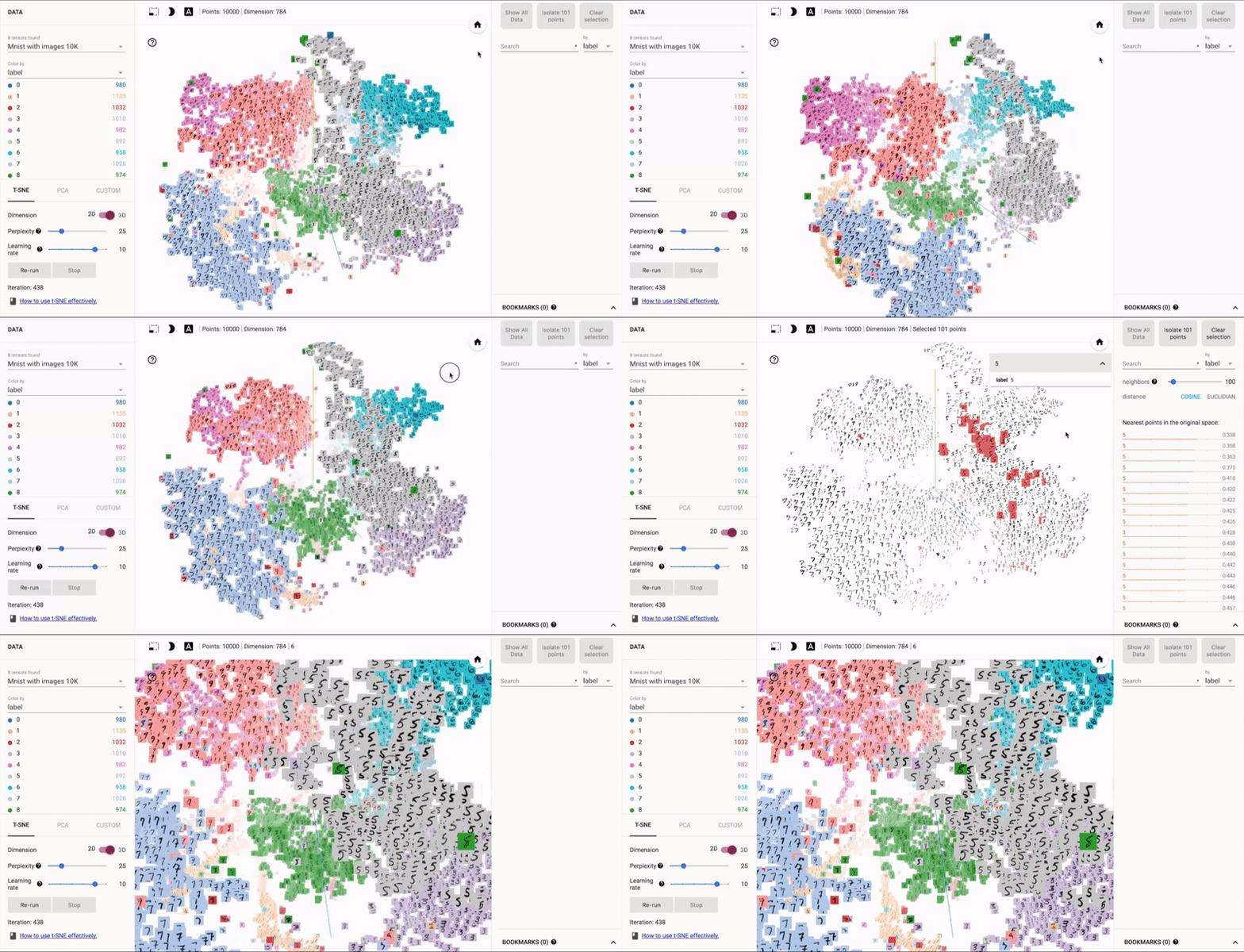
So I started stripping it down. I wanted to see if I could build a semantic search engine that runs entirely offline, in the client, with zero API calls after the initial load.
JavaScript is fast, but for raw number crunching, I wanted control. I went with C. Good old, manual memory management C. By compiling C to WASM, you get near-native performance inside Chrome or Safari.
The setup is surprisingly simple. You load your vectors into a flat memory buffer. When the user types a query, you convert that query to a vector (more on that in a second) and blast through the array calculating cosine similarity scores.
No complex indexing structures. No trees. Just a brute-force loop.
“But brute force is slow!” you might say.
Is it? I ran a test against 50,000 vectors. The search took 12 milliseconds on my laptop. That is faster than the TCP handshake to your cloud database. We forget how fast modern processors are when we aren’t bogging them down with layers of abstraction.
The Embedding Bottleneck
The tricky part isn’t the search; it’s the embeddings. You can’t ship a 4GB transformer model to the browser just to turn the user’s query into numbers. That kills the user experience immediately.
This is where we have to un-learn the “bigger is better” mentality of the last few years. We’ve gotten used to massive 1536-dimensional vectors from huge models. They capture incredible nuance, sure. But do you need that nuance to match “running shoes” with “sneakers”?
I went back to basics. GloVe (Global Vectors for Word Representation). It’s old tech by AI standards. Pre-transformer. But the models are tiny. You can get decent word vectors that are only 50 or 100 dimensions.
For a proof-of-concept I built last week, I used a quantized GloVe model. The whole thing—search logic, WASM binary, and the vector map—was smaller than a typical hero image on a marketing site.
The quality? Surprisingly sharp. It understands that “king” – “man” + “woman” = “queen”. It understands that “coding” is related to “programming.” For a search bar, that is usually all you need.

Why This Matters (It’s Not Just Cost)
Privacy is the killer feature here. I didn’t expect to care about this as much as I do, but there’s something satisfying about knowing the user’s query never leaves their device.
If you’re building a medical app, or a personal journal, or anything sensitive, “Cloud AI” is a liability. You have to scrub PII, worry about compliance, and trust your vendor not to train on your logs.
With a local WASM implementation:
- Zero data leakage. The query happens in the user’s RAM.
- Zero latency. It feels instant because it is instant. No network round-trip.
- Offline capable. It works on a plane. It works in a subway tunnel.
The Trade-offs (Because There Always Are Some)
I’m not saying cloud search is dead. If you try to do this with 10 million vectors, your user’s browser will crash. There is a hard ceiling on memory usage in WASM (though it’s getting higher in 2026).
Also, the quality of “bag-of-words” style embeddings like GloVe isn’t as magical as the latest transformer models. It struggles with complex syntax or long, wandering queries. If someone searches for “that movie where the guy loses his shoe but finds true love,” a transformer will nail it. GloVe might just show you shoe stores.
But we have options now. We have tiny transformers (like the quantized versions of BERT or the new sub-100MB models) that can run in the browser via WebGPU. That’s the next step up if you need more smarts than GloVe but less bloat than a server.
Stop Over-Engineering
We need to stop defaulting to the most expensive, complex architecture available just because it’s trendy.
If you are building a search bar for a dataset that fits in a spreadsheet, you don’t need a vector database cluster. You need a binary array and a for-loop.
I stripped my side project’s search down to this C + WASM architecture over the weekend. The monthly cost went from $50 to $0 (static hosting). The search speed went from ~300ms to ~15ms.
Sometimes the best way forward is to look backward, grab some C code, and run it locally.